Official U.S. Time: How NIST, USNO and Your Devices Keep Time
NIST and the U.S. Naval Observatory are the nation’s official timekeepers. Here’s how their atomic-clock time reaches time.gov, phones, computers, and radio-controlled clocks.
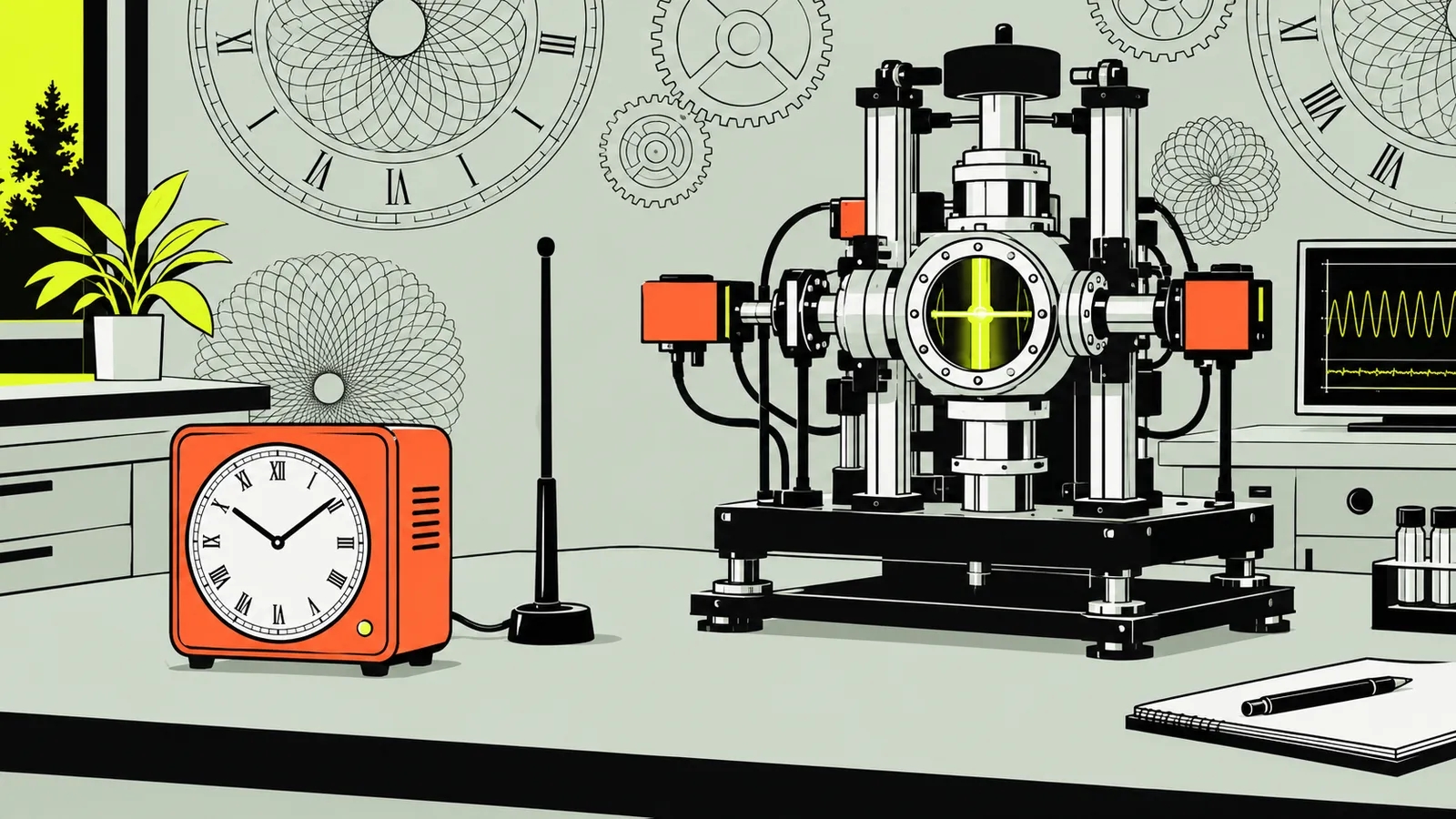
Official U.S. time is based on Coordinated Universal Time (UTC), maintained in real time by both NIST and the U.S. Naval Observatory (USNO). NIST’s time.gov shows U.S. time zones and your device’s clock; NIST also distributes time over the internet and through WWVB radio.
- INIST and USNO are both official U.S. timekeepers.
- IIUTC(NIST) is NIST’s real-time representation of UTC.
- IIINIST-F2 measures the cesium transition that defines the second.
- IVWWVB broadcasts digital time codes on a 60 kHz carrier.
- VNetwork conditions affect the accuracy a user receives.
What does “official U.S. time” mean?
“Official U.S. time” is not one clock sitting in one place. It means the country’s recognized time standard and the systems that realize and distribute it. The standard is Coordinated Universal Time (UTC), the internationally agreed basis for world time. NIST maintains a real-time version called UTC(NIST), while the U.S. Naval Observatory maintains UTC(USNO). Both agencies serve as official U.S. timekeepers.
The legal framework goes back to the America COMPETES Act of 2007. It codified U.S. official time as UTC, as interpreted or modified by the Secretary of Commerce in coordination with the Secretary of the Navy. The Commerce Secretary delegates timekeeping responsibility to NIST; the Navy Secretary delegates it to USNO. NIST says UTC(NIST) and UTC(USNO) are typically kept within 20 nanoseconds of each other. NIST’s UTC(NIST) overview explains the time scale and the two-agency arrangement.
UTC itself is calculated internationally after timing laboratories contribute clock data; no single clock keeps the final, official version of UTC. NIST and other laboratories maintain live approximations that are often within a few nanoseconds of the later calculated UTC. For everyday use, this distinction matters less than knowing that a trusted time service can trace its time back to a national standard. For a quick check of the time where you are, use the world clock; for the underlying global standard, see what UTC means.
How NIST and USNO maintain the time scale
NIST does not rely on one clock to determine UTC(NIST). It combines the outputs of an ensemble of atomic clocks, typically around ten, giving more weight to the clocks that are most stable. Those clocks include cesium beam clocks and hydrogen masers. NIST regularly calibrates them with primary frequency standards, and the ensemble contributes to the international calculations of TAI and UTC. UTC(NIST) also serves as a U.S. national standard for frequency, time interval, and time of day.
USNO maintains its own scale, UTC(USNO), using an ensemble of atomic clocks. Its clocks also contribute to TAI and UTC. The two U.S. realizations are extremely close, but they are distinct institutional time scales rather than a single shared clock. GPS satellite clocks are steered to the scale at the GPS Master Control Station, which is monitored and compared with UTC(USNO. GPS time itself does not insert leap seconds; receivers usually apply the broadcast offset to relate GPS time to UTC.
That distinction helps explain why a device can be “on official time” without literally connecting to a master clock. It receives time from another system that is synchronized, directly or through a chain of systems, to a reference traceable to UTC. You can convert a known UTC time to your local zone with the time zone converter, or compare locations using the time difference tool.
NIST describes UTC(NIST), UTC(USNO), and their relationship to GPS in its guide to U.S. and international time scales.
What NIST-F2 does—and what it does not do
NIST-F2 is a primary frequency standard: it helps measure the length of the SI second and calibrate other clocks’ ticks. It is not simply the one clock that displays the time on time.gov or directly sets every U.S. device. NIST’s day-to-day time scales are built from ensembles of stable commercial clocks; primary standards such as NIST-F2 are operated for periods of a few weeks several times a year to calibrate those time scales.
The SI second is defined by a specific transition in cesium-133. One second corresponds to 9,192,631,770 cycles of the radiation associated with that transition. NIST-F2 and NIST-F1 measure it. NIST-F2’s atoms are held at about −193 °C, which reduces background radiation and some measurement errors that need to be corrected in the warmer NIST-F1 design.
NIST announced NIST-F2 as a U.S. civilian time and frequency standard on April 3, 2014, alongside NIST-F1. Its design target was to neither gain nor lose one second in about 300 million years, roughly three times the accuracy of NIST-F1 as described at launch. That is a performance description of a laboratory standard, not a promise that a phone or laptop will stay within a second over the same span. NIST explains the clock’s role in its NIST-F2 announcement. For a broader introduction, read how an atomic clock works.
How to read time.gov and U.S. time zones
Time.gov is NIST’s public time display. It presents time across U.S. zones and shows the device’s clock as UTC−0, alongside the zone displays. The site marks Pacific, Mountain, Central, and Eastern Standard Time as synchronizing. Its purpose is useful for a quick comparison, but remember that the displayed local time depends on the time zone and daylight saving time status, not just on the UTC reference.
The time-zone offsets on the page are standard-time offsets: Eastern Standard Time is UTC−5, Central is UTC−6, Mountain is UTC−7, and Pacific is UTC−8. Eastern Daylight Time is UTC−4. The abbreviation changes when daylight saving time is in effect, but UTC itself is not adjusted for daylight saving time. Puerto Rico and the U.S. Virgin Islands use Atlantic Standard Time at UTC−4 and do not observe daylight saving time, according to NIST’s time-scale guide.
When scheduling across zones, avoid assuming that a familiar abbreviation always means the same offset throughout the year. Put the date and location into a meeting planner or time zone converter instead of doing mental math from “EST” or “PST.” For a global comparison, the time zone map can help you see the geographic spread of offsets. NIST lists the displayed zones and their standard offsets on time.gov.
How internet time reaches computers and other devices
The common internet method is Network Time Protocol (NTP). A client asks a time server for timestamps, estimates the network delay, and adjusts its local clock. NTP is designed to pass time information from a primary server traceable to UTC through secondary servers to other clients. Many operating systems periodically synchronize their clocks in the background, often starting at system boot, so most people do not need to set the time manually.
NIST operates stratum-1 servers directly linked to UTC(NIST). Its global address, time.nist.gov, distributes requests among listed servers. NIST says the servers use the same synchronization algorithm and should have comparable timestamp accuracy, but the result a user experiences is usually determined largely by network stability and reciprocity. NIST advises users not to query its servers more often than once every four seconds; ordinary operating-system synchronization does not require rapid repeated requests.
NTP’s timestamp format has fine resolution, but resolution is not the same as accuracy at your device. The NTP specification gives typical modern primary-server precision in the range of a few tens of microseconds, while secondary servers and clients on fast local networks can be within a few hundred microseconds under the stated conditions. Those are protocol and system performance figures, not a guarantee for every internet connection. NIST recommends NTP over older TIME and DAYTIME protocols for greater robustness and accuracy. Read more about how NTP works or how computers keep time.
NIST’s Internet Time Service guide describes synchronization and network factors; the technical NTP details are in RFC 5905.
How phones sync—and how accurate is your device?
A phone displays the time kept by its operating system, then applies the selected time zone to show local time. Operating systems commonly synchronize their clocks periodically with time servers, usually in the background. The exact synchronization route and settings depend on the device and software; the fact that a phone shows seconds or has an automatic-time setting does not by itself prove that it has just synchronized with NIST.
Think of accuracy as a chain. The reference clock may be extremely stable, but the time signal must travel through networks, be received and processed, and then be applied to the device clock. Network delay and instability can reduce the accuracy delivered to an internet client. A clock may also drift between synchronization updates. NIST specifically notes that network stability and reciprocity usually have a large influence on user results.
For an everyday check, compare your device with time.gov while connected to the internet. If the displayed device clock differs, check that automatic date, time, and time-zone settings are enabled, then use the device’s built-in synchronization option if available. NIST describes a “sync now” option in Windows and date-and-time settings on Mac computers; exact menus vary by system version. This check is practical, not a calibration certificate.
For most calendar events and routine schedules, a small difference is unlikely to matter. For timestamping events where milliseconds or microseconds matter, do not infer accuracy from the number of digits shown. Use a system designed for that requirement and understand its time source, network path, update interval, and leap-second handling. A Unix timestamp converter can help translate a recorded timestamp, while a duration calculator can compare elapsed intervals.
How WWVB radio-controlled clocks receive time
WWVB is NIST’s time-signal radio station near Fort Collins, Colorado, at the same site as radio station WWV. It broadcasts digital time codes continuously on a 60 kHz carrier. Millions of clocks, clock radios, watches, and other consumer devices in North America use WWVB to synchronize. A radio-controlled clock receives the broadcast and updates its internal time; it does not need a home internet connection to receive that signal.
WWVB transmits two time-code formats at one bit per second: pulse-width modulation and phase modulation. The time code includes information such as the year, day of year, hour, and minute, along with flags for daylight saving time, leap years, and leap seconds. The phase-modulated code was added to the legacy signal on October 29, 2012. Existing radio-controlled clocks and watches were not affected by that enhancement and continue to work as before.
Reception and the clock’s design matter. A device needs to receive and decode the signal, and local conditions can affect reception; NIST says proper receiving and averaging techniques help the received signal approach the uncertainty of the transmitted signal. After path delay is removed, WWVB can provide UTC with an uncertainty of about 100 microseconds. That radio-signal figure is not a statement that every consumer clock displays time to that accuracy. NIST’s WWVB description explains the signal formats and the distinction between transmission and received performance.
Which time source should you use?
For a quick, human-readable check, use time.gov. For an ordinary computer clock, leave the operating system’s automatic synchronization enabled. For a clock without internet access, a WWVB-compatible radio-controlled device may receive NIST’s broadcast, depending on reception and device design. These methods serve different purposes: a web page is convenient for checking, NTP is common for networked systems, and WWVB sends a radio time code to compatible receivers.
| Method | How it reaches you | Useful for |
|---|---|---|
| time.gov | Web display of U.S. zones and device clock | Quick visual comparison |
| NTP | Network time requests to synchronized servers | Computers and networked systems |
| WWVB | 60 kHz radio time-code broadcast | Compatible radio-controlled clocks |
A frequent mistake is to confuse the standard with the display. UTC is the reference; local time is UTC adjusted for a location’s offset and daylight saving time rules. Another is to treat precision, resolution, and accuracy as synonyms. A timestamp format can represent very small fractions of a second even when network delay means the receiving device is not that close to UTC. Also check what happens around leap seconds if you combine high-precision timestamps from different systems: systems can handle an inserted second differently, creating ambiguity in event ordering.
For day-to-day planning, choose a trusted automatic source and keep the date, time zone, and daylight saving setting correct. For calculations, use a hours calculator or date calculator rather than relying on a displayed clock to measure elapsed time. The right source depends on the task, not simply on which clock shows the most digits.
Questions people ask
Who keeps official time in the United States?
Both NIST and the U.S. Naval Observatory are official U.S. timekeepers. NIST maintains UTC(NIST), and USNO maintains UTC(USNO). The two real-time scales are typically kept within 20 nanoseconds of each other, according to NIST.
Is time.gov the official U.S. clock?
Time.gov is NIST’s public time display, not the single clock that creates official time. NIST maintains UTC(NIST) and distributes time through multiple services; the site is a convenient place to compare U.S. zone displays with your device’s clock.
Does my phone get its time directly from NIST?
Not necessarily. Operating systems commonly synchronize clocks with time servers in the background, but the specific service and route vary by device and software. A phone showing automatic time does not establish that it queried NIST directly; compare its display with time.gov for a practical check.
How accurate is a clock synchronized with NTP?
There is no single guaranteed accuracy for every user. NTP performance depends on the server, client, and network path. RFC 5905 describes typical precision of a few tens of microseconds for modern primary servers and a few hundred microseconds for clients on fast local networks under its stated conditions; internet users may see different results.
What is the difference between NIST-F2 and WWVB?
NIST-F2 is a laboratory primary frequency standard used to measure the SI second and calibrate time scales. WWVB is a radio station that broadcasts time codes on a 60 kHz carrier for compatible devices. One helps establish and calibrate the standard; the other distributes time to receivers.
Can a WWVB clock work without internet?
Yes, a compatible radio-controlled clock can receive WWVB’s time signal without using an internet connection. Reception depends on the device and signal conditions. NIST says WWVB broadcasts are used by clocks, clock radios, watches, and other consumer devices in North America.
Sources
- UTC(NIST) Time Scale, National Institute of Standards and Technology (NIST)
- How is UTC(NIST) related to Coordinated Universal Time (UTC), International Atomic Time (TAI), Greenwich Mean Time (GMT), USNO time, GPS time and Zulu time?, National Institute of Standards and Technology (NIST)
- NIST Launches a New U.S. Time Standard: NIST-F2 Atomic Clock, National Institute of Standards and Technology (NIST)
- time.gov, National Institute of Standards and Technology (NIST)
- NIST Internet Time Service (ITS), National Institute of Standards and Technology (NIST)
- RFC 5905: Network Time Protocol Version 4: Protocol and Algorithms Specification, RFC Editor
- Radio Station WWVB, National Institute of Standards and Technology (NIST)
Edited by Leo, editor of WhatTimeIsIt.blog
Calculations on this page run in your browser using the IANA time zone database and standard calendar rules. Facts are checked against the government agency, standards body or official source linked in the text. Last reviewed November 10, 2026. See the editorial policy or report an error to hello@whattimeisit.blog.