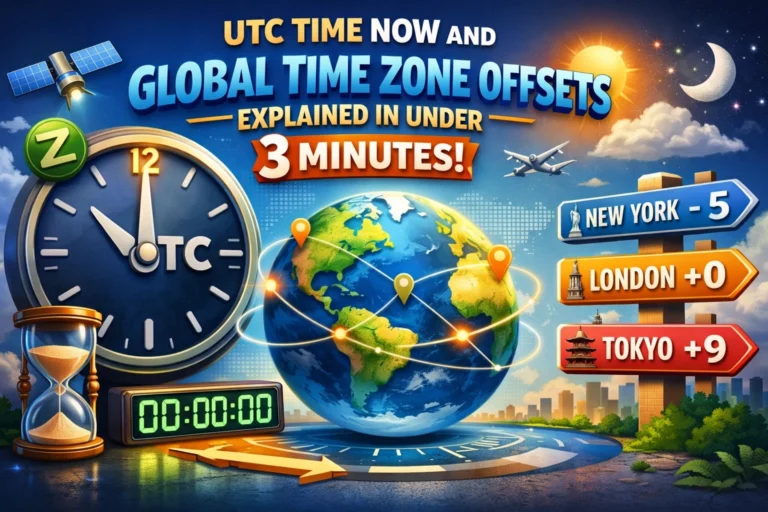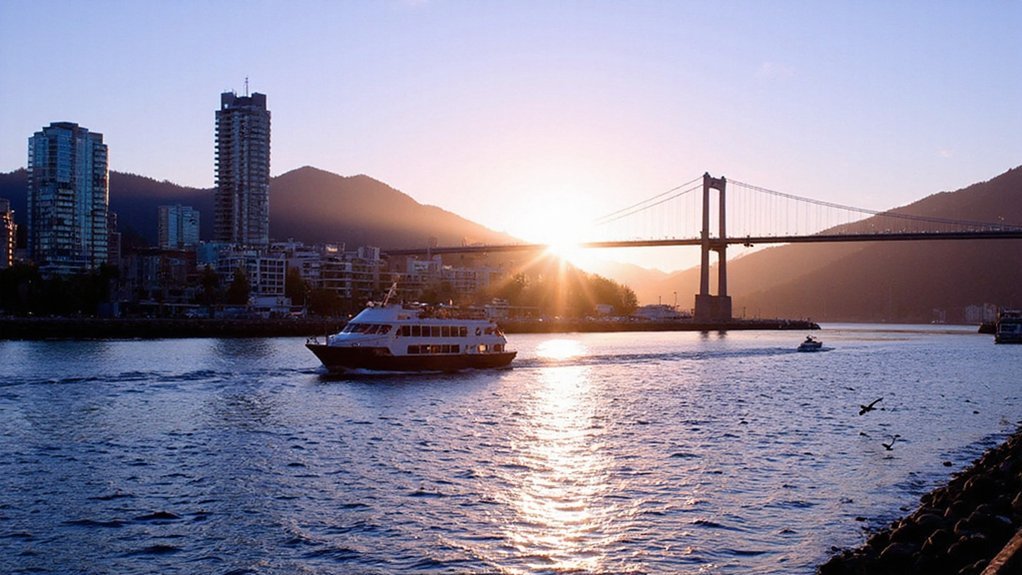

If you need the current time in Vancouver, set your device to America/Vancouver or check a reliable world clock; Vancouver runs Pacific Time (UTC−8 standard, UTC−7 daylight). I’ll show when DST applies, how to convert from your zone, and which tools give instant accuracy—keep going so you don’t misbook a meeting.
Where Vancouver Time Is Used
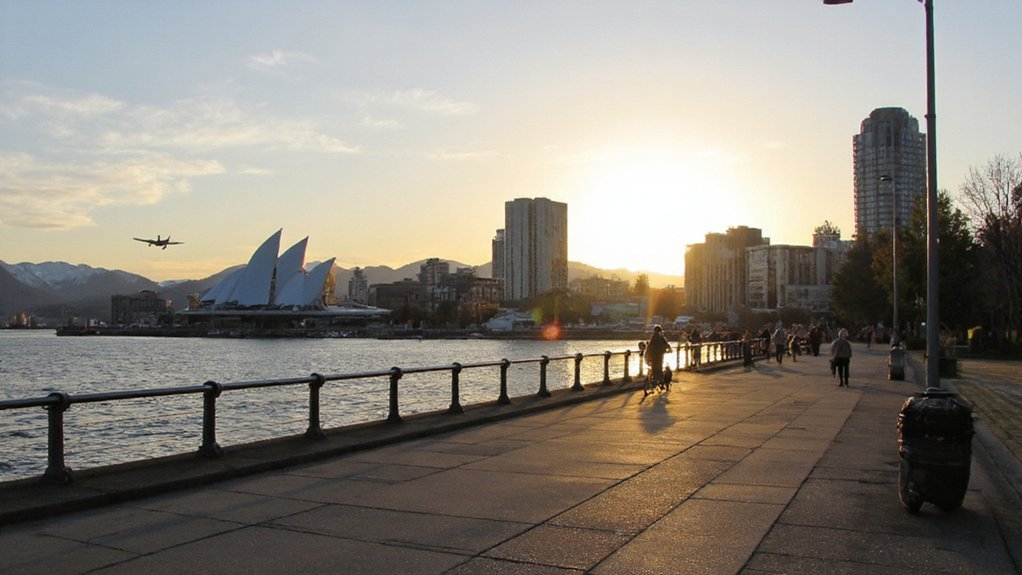
Where exactly is Vancouver time used? You’ll find it across the city of Vancouver and the Metro Vancouver region, covering municipalities such as Burnaby, Richmond, Surrey and North Vancouver. It’s the civil time for the Lower Mainland and adjacent coastal islands, and it governs schedules for transit, courts, hospitals, schools and provincial offices located in that zone. When you coordinate travel or meetings, airlines, ferries and broadcasters serving Vancouver adhere to this local time. Businesses, financial markets and service providers in southwestern British Columbia synchronize to it for operational consistency. If you operate from elsewhere in the province, you’ll still reference Vancouver time when dealing with contacts or institutions based in the metropolitan area. Use it as the default for scheduling with that region.
Pacific Standard Time Vs Pacific Daylight Time
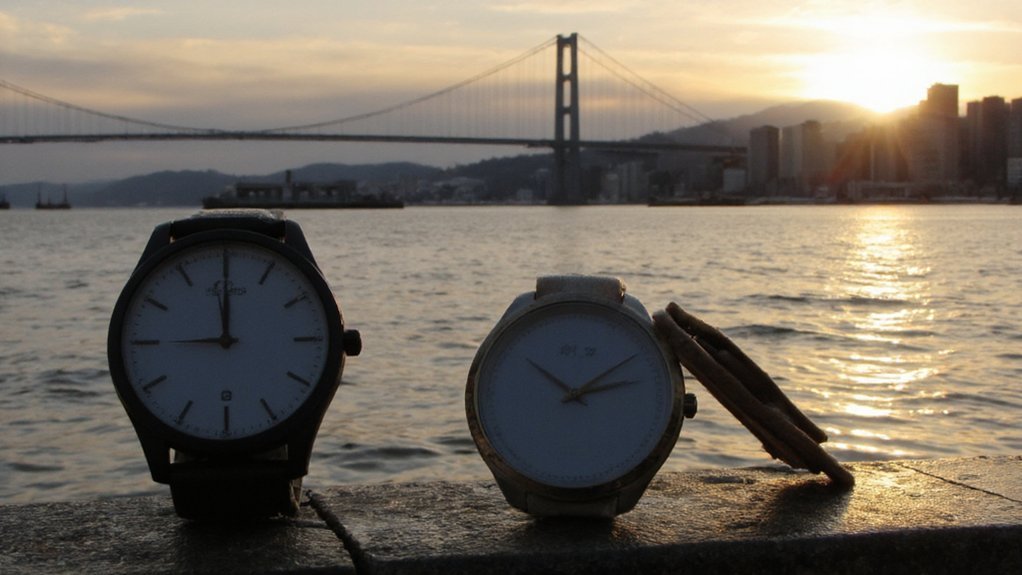
Vancouver follows Pacific Time, which shifts between Pacific Standard Time (PST, UTC−8) in the fall and winter and Pacific Daylight Time (PDT, UTC−7) in spring and summer; you’ll need to know which is in effect when arranging travel, meetings, or services. PST is the standard offset used outside daylight saving months; if you’re coordinating with locations on UTC or other zones, subtract eight hours from UTC to get local Vancouver time. During PDT, the city observes a one-hour forward offset; subtract seven hours from UTC. You should confirm the current designation before scheduling across regions, because using the wrong offset can create missed calls, flight issues, or service disruptions. Check authoritative time sources to verify which Pacific Time applies. Always double-check before you finalize plans.
When Daylight Saving Starts and Ends in Vancouver
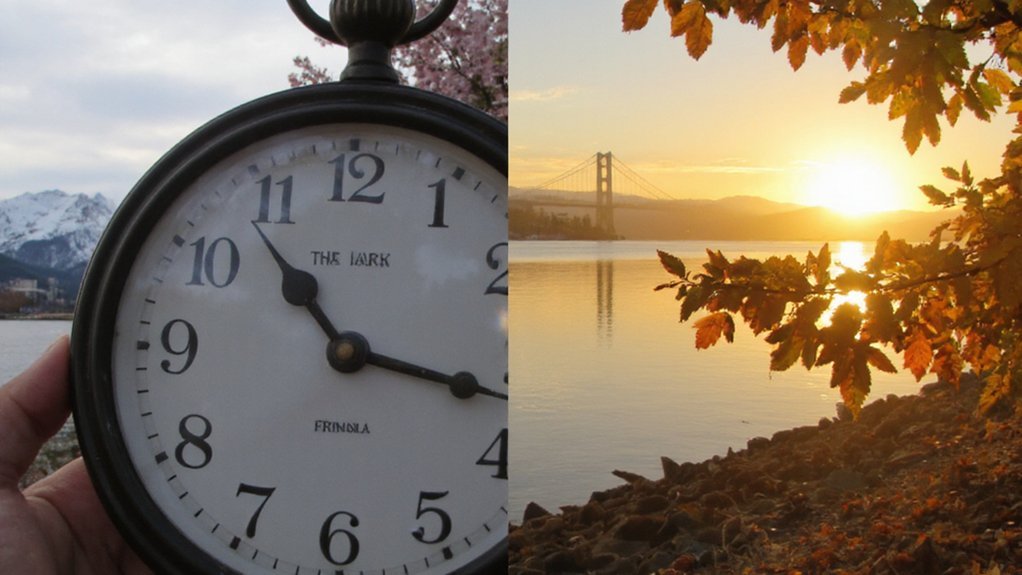
You’ll set clocks forward one hour at 2:00 a.m. local time on the second Sunday in March, when Daylight Saving Time begins. You’ll set clocks back one hour at 2:00 a.m. local time on the first Sunday in November, when Daylight Saving Time ends. These shifts move Vancouver between PST and PDT and affect scheduling and daylight hours throughout the year.
When DST Begins
Because Canada follows the North American daylight saving schedule, DST in Vancouver begins at 2:00 a.m. local time on the second Sunday in March and ends at 2:00 a.m. local time on the first Sunday in November. You should set clocks forward one hour at that moment, which effectively moves local time from 2:00 to 3:00 a.m. Your devices will usually update automatically, but you’ll also verify manually for mechanical clocks. Anticipate the change:
- Adjust sleep schedule a few days before.
- Check transit and appointment times.
- Confirm device time settings.
Observing the rule annually helps you avoid missed appointments. When uncertainty arises, consult reliable local sources or device settings to confirm the upcoming time change. Plan proactively to maintain your daily rhythm.
When DST Ends
When DST ends, it occurs at 2:00 a.m. local time on the first Sunday in November and you set clocks back one hour to 1:00 a.m. You regain an hour of standard time; Vancouver returns to Pacific Standard Time (UTC−8). Expect earlier sunrises and earlier sunsets compared with DST. Adjust schedules, devices, and meetings—most modern devices update automatically, but check appliances and wall clocks. Transport timetables, digital calendars, and international calls shift accordingly; confirm times with service providers. Remember that some jurisdictions don’t observe DST, so verify cross-border plans. The change reduces evening daylight through winter months and aligns legal time with standard offsets. Plan sleep and safety routines around the shift to minimize disruption. You should update manual clocks and inform others promptly.
How to Check the Current Time in Vancouver Online
How do you quickly check Vancouver’s current time online? Use reliable sources that display Pacific Time, update in real time, and note daylight saving automatically. Open a reputable world clock, search engine result, or official local website; each gives instant, accurate time.
- Use a world clock site (timeanddate, WorldTimeBuddy) for live clocks and time zones.
- Type “time in Vancouver” into a major search engine for an immediate, precise answer.
- Check a government or city site for official timestamps and event times.
Verify the page updates automatically and shows the timezone (PST/PDT). Avoid static pages or outdated widgets. If you need certainty, cross-check two sources; discrepancies indicate a stale clock or mislabelled zone. That’s the fastest way to confirm Vancouver time now.
Converting Your Local Time to Vancouver Time
If you’re converting your local time to Vancouver time, first find your current UTC offset (accounting for daylight saving), then add or subtract the difference to reach Pacific Time—UTC−8 during standard time, UTC−7 during daylight saving. Determine whether your location observes DST on the date in question; offsets change when regions switch. Use a reliable source or your device settings to confirm UTC offsets. Compute the numeric difference and apply it to your local clock: add when Vancouver is ahead, subtract when it’s behind. If the calculation crosses midnight, adjust the calendar date accordingly. For recurring scheduling, convert once and verify periodically since DST rules can change. This method gives accurate, reproducible Vancouver time conversions. Follow these steps each time you schedule across zones.
Common Time Conversion Examples
You’ll often convert New York to Vancouver; subtract three hours to go from Eastern Time to Pacific Time. For UTC, Vancouver is UTC−8 in standard time and UTC−7 during daylight saving, so subtract 8 or 7 hours accordingly. Always check the date’s DST status to confirm accuracy.
New York to Vancouver
Because New York is three hours ahead of Vancouver, subtract three hours from Eastern Time to get Vancouver (Pacific) Time; when it’s 3:00 PM in New York, it’s 12:00 PM in Vancouver. You can apply this consistently: schedule calls, convert deadlines, and plan travel around that offset. Remember daylight saving shifts occur simultaneously in both regions, so the three-hour difference holds year-round. When confirming times, state the zone (ET or PT) and local time to avoid confusion. Use reliable digital clocks or calendar tools set to the correct zones for accuracy. Also note international participants may need additional adjustments for their zones. Check timezones before confirming daily.
- Verify meeting times in PT.
- Convert ET minus 3 hours.
- Confirm daylight saving status.
UTC to Vancouver Time
When converting UTC to Vancouver time, subtract 8 hours in standard time (PST) and 7 hours in daylight saving time (PDT). You’ll apply that offset directly: 00:00 UTC becomes 16:00 PST or 17:00 PDT the previous day. For a quick check, take UTC time, subtract the appropriate hours, and adjust the calendar date if you cross midnight. Remember Vancouver observes DST from second Sunday in March to first Sunday in November; during that period use the 7-hour offset. If you manage schedules across zones, state times with the offset or abbreviation (UTC−8, PST or UTC−7, PDT) to avoid ambiguity. Use reliable sources for DST changeover dates and automate conversions when accuracy is critical. Double-check local announcements for exceptional changes like emergency clock adjustments periodically.
Time Differences With Major Canadian Cities
Although Vancouver sits on Pacific Time, you should remember how far ahead other major Canadian cities fall: Toronto and Montreal are three hours ahead, Calgary and Edmonton one hour ahead, Winnipeg two hours ahead, Halifax four hours ahead, and St. John’s is four and a half hours ahead. When converting times, use full-hour offsets except Newfoundland’s half-hour; daylight saving shifts usually preserve these gaps.
- Prioritize the local time zone when coordinating.
- Note Newfoundland’s 30-minute offset.
- Confirm daylight saving dates annually.
Treat these offsets as fixed reference points for planning; verify official time sources if precision matters. Use official government time pages or a reliable time API to check current local times and DST status. Reconfirm before critical deadlines. Do not assume offsets remain constant.
Scheduling Virtual Meetings Across Vancouver Time
At Pacific Time, plan meetings around Vancouver’s business hours (roughly 08:00–18:00 PT) and set calendar invites in Pacific Time so attendees see correct local conversions. When scheduling, confirm participants’ time zones and propose two or three time options to minimize back-and-forth. Use calendar tools that auto-convert and include the explicit PT label in event titles. Send invites with clear start and end times, agenda, and expected preparation so people join on time. For recurring meetings, state whether daylight saving changes will shift times and adjust invites accordingly. If you need cross-coast overlap, aim for early Vancouver mornings or late afternoons elsewhere and limit meeting length. Respect local workdays and avoid assuming availability outside stated business hours. You’ll improve attendance and reduce scheduling friction overall.
Travel and Flight Time Considerations for Vancouver
If you’re coordinating meetings that require travel to Vancouver, factor flight duration, layovers, customs, and ground transit into your schedule. You should plan arrival buffer times for traffic, potential delays, and time to adjust from different time zones so you can attend meetings fully present. Prioritize nonstop flights when reliability matters, and book arrivals at least a few hours before commitments. Use the checklist below to set realistic travel windows.
- Buffer: allow 2–4 hours for customs and baggage.
- Layovers: avoid tight connections under 90 minutes.
- Ground transit: add 30–90 minutes for airport to downtown transfer.
Confirm visa or entry requirements, and reconfirm flights 24–72 hours before departure. Pack essentials, notify local contacts of arrival, and schedule recovery time after long flights.
Best Tools and Apps to Track Vancouver Time
You’ll want reliable world clock widgets on your home screen to glance at Vancouver time instantly. Use mobile time apps that show current offset, daylight saving changes, and calendar integration so you won’t miss meetings. Sync your desktop clock with network time and add Vancouver as a secondary zone for consistent timestamps.
World Clock Widgets
Want Vancouver time always visible? Use world clock widgets on your desktop, browser or smart display to keep local time front and center. They show accurate Pacific Time, adjust for DST, and sync with internet time servers so you won’t miscalculate meetings.
Choose a widget that offers clear labeling, timezone abbreviation (PST/PDT), and 24/12-hour toggle. Prioritize low CPU use and secure update behavior.
- Desktop widget for Windows/Mac — persistent, resizable clock.
- Browser extension — quick access, multiple clocks in one menu.
- Embeddable web widget — place Vancouver time on intranets or websites.
Install, configure City = Vancouver, and verify DST rules. You’ll get a reliable, passive reference without opening apps or pages. Keep it visible to avoid scheduling errors across zones.
Mobile Time Apps
How do you keep Vancouver time handy on your phone? Use dedicated mobile time apps that show Pacific Time (PT) with automatic DST, reliable NTP-based syncing, and clear labeling. Pick apps offering a world clock, timezone converter, and calendar integration so meetings and invites match Vancouver hours. Choose apps with lock-screen or home widgets for one-tap reference; verify background refresh and battery impact. Prefer apps that let you set alarms and reminders in Vancouver time and convert event times when you travel. Check privacy: avoid apps that harvest location unnecessarily. Look for regular updates, accurate timezone databases (IANA), and offline capability for flights or roaming. Test one app for a week, then standardize on it. You’ll avoid scheduling errors and stay synchronized reliably everywhere.
Desktop Time Sync
If you rely on mobile apps for quick checks, keep your desktop clocks just as reliable by syncing the system clock to a trusted time source and setting the timezone to America/Vancouver (IANA) so DST is applied automatically. Use OS sync or dedicated NTP clients.
- Windows: Internet Time or Meinberg NTP.
- macOS: System Preferences or chrony.
- Linux: timedatectl with chrony or systemd-timesyncd.
Prefer clients that support authenticated NTP (NTS) and automatic DST updates; they maintain legal time and prevent drift. Choose lightweight display utilities that show America/Vancouver directly to avoid conversion mistakes. Display Vancouver time in the menu bar/taskbar, keep BIOS/UEFI accurate, and verify periodically against time.gov or NTP pools. Check settings after major OS updates regularly. You’ll reduce scheduling errors and missed meetings.
Conclusion
You can find Vancouver’s current time quickly by checking a reliable world clock or setting your device to America/Vancouver. Remember Vancouver uses Pacific Standard Time (UTC−8) in winter and Pacific Daylight Time (UTC−7) in summer; clocks change second Sunday in March and first Sunday in November. When scheduling, convert your local time to Vancouver time and double‑check for DST. Use trusted apps or official sources so you’ll avoid missed meetings, flights, or deadlines and fines.