

You’ll want to know whether Sydney is on AEST (UTC+10) or AEDT (UTC+11) before converting your time; daylight saving starts first Sunday in October and ends first Sunday in April, so the calendar date matters. Use UTC as a pivot or a reliable world clock to avoid errors. Here’s how to confirm the current offset and convert quickly—keep going to get the exact steps.
How Sydney’s Time Zone Works

Sydney operates on Australian Eastern Standard Time (AEST; UTC+10:00) for most of the year and shifts to Australian Eastern Daylight Time (AEDT; UTC+11:00) during daylight saving months. You should treat AEST and AEDT as fixed offsets from Coordinated Universal Time, +10 and +11 respectively. That offset governs civil time, timestamps, and scheduling; your devices use tz database identifiers (Australia/Sydney) to apply the correct offset automatically. When you coordinate across regions, calculate differences using those offsets and account for the possibility of changes in Sydney’s legal time without assuming universal simultaneity. Public services, transport timetables, and financial markets reference local legal time, so you’ll verify deadlines against local published time and confirm automated systems sync to NTP servers adjusted for the active offset and compliance.
When Daylight Saving Applies in Sydney

From the first Sunday in October each year, clocks in New South Wales move forward one hour at 2:00 am standard time (AEST→AEDT). You’ll observe daylight saving until the first Sunday in April, when clocks revert one hour at 3:00 am daylight time (AEDT→AEST). This annual rhythm is statutory: state legislation fixes the start and end points to maximise evening daylight across summer months. You should note that the rule covers metropolitan Sydney and most of NSW, while some territories and states—Queensland, Northern Territory, and Western Australia—don’t adopt daylight saving. Also note Lord Howe Island applies a different offset during summer. When planning events or schedules, account for these region-specific practices and the predictable annual switch rather than expecting ad hoc changes. Stay alert.
Converting Your Time to Sydney Time
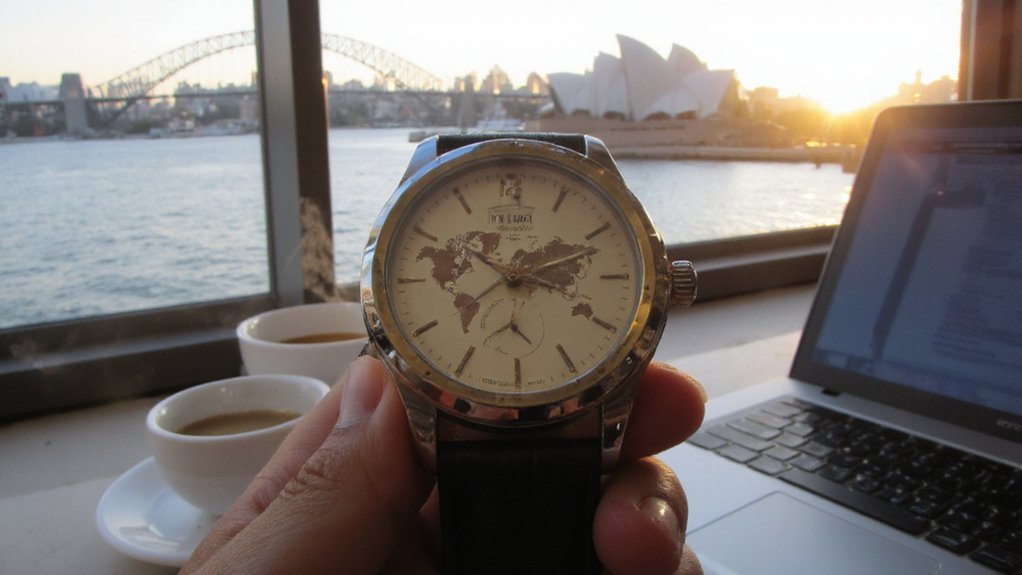
When converting your local time to Sydney time, determine whether Sydney is on AEST (UTC+10) or AEDT (UTC+11), then apply the corresponding offset to your clock while also accounting for your location’s DST status and any international date-line crossing. First, note your current local time and its UTC offset, including your DST if it’s active. Next, compute: Sydney time = UTC time + Sydney offset. Convert your local time to UTC by subtracting your offset (or adding if negative), then add Sydney’s offset. If the result crosses midnight or the International Date Line, adjust the calendar day. Verify AM/PM or 24-hour rollovers. You can repeat these steps for scheduled future conversions without error.
Tools to Check Sydney’s Current Time Instantly
How quickly do you need Sydney’s exact time? Use a dedicated world-clock app on your phone or desktop; it’ll show current time, daylight saving status, and UTC offset instantly. Type “time in Sydney” into a search engine or ask a virtual assistant for immediate, authoritative results. Add a smartphone widget or menu-bar clock for persistent visibility without opening apps. For integration, call a time API (e.g., worldtimeapi.org or timezonedb) to fetch ISO timestamps programmatically. Use browser extensions or the operating system’s clock settings to compare locations at a glance. For verification, cross-check two independent sources (search result + app) to confirm DST. Each tool gives a timestamp; pick the one that fits your workflow and reliability needs. Update tools regularly. Trust accurate sources only.
Tips for Scheduling Across Time Zones
If you regularly coordinate meetings across time zones, prioritize shared reference points: agree on a single anchor (UTC or a host time), always list local times with explicit UTC offsets and DST status, and confirm each participant’s local time before finalizing so everyone’s calendar entries match. Use event descriptions to state both anchor and each recipient’s local time to remove ambiguity. Automate conversions with reliable tools and include timezone-aware calendar invites to prevent manual errors. Set windows for acceptable meeting times per region and rotate inconvenience equitably. Flag recurring events for seasonal offset changes and revalidate before DST shifts. When needed, propose multiple slots, provide clear response deadlines, and document final decisions with timestamps and UTC offsets to guarantee operational clarity and audit logs.
Conclusion
You’ll determine Sydney’s current time by checking whether it’s on AEST (UTC+10) or AEDT (UTC+11). Verify daylight‑saving status — it begins first Sunday in October and ends first Sunday in April — then convert via UTC or a reliable clock/app. Don’t assume offsets near changeover dates; confirm calendar day and meeting times when clocks shift. Use world‑clock tools or APIs to avoid errors and schedule confidently across time zones for consistent global coordination and reliability.