

If you need to know the time in Melbourne right now, you’re dealing with Australia/Melbourne time which uses UTC+10 or UTC+11 during daylight saving. Check a world clock or set your device to that zone for the exact instant. Want precise conversion rules and quick scheduling tips for meetings across zones? I’ll walk you through them.
How Melbourne’s Time Zone Works
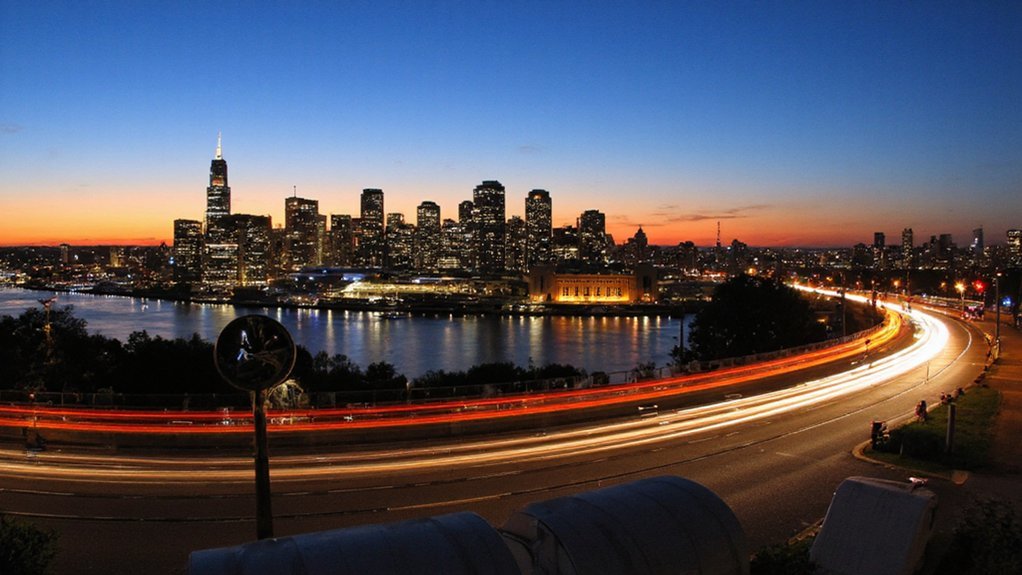
Melbourne operates on Australian Eastern Standard Time (AEST; UTC+10) outside daylight saving months and switches to Australian Eastern Daylight Time (AEDT; UTC+11) during daylight saving—typically from the first Sunday in October to the first Sunday in April—so you set clocks forward one hour at the start and back one hour at the end. You must plan using UTC offsets: add ten hours to UTC for AEST, eleven for AEDT. When coordinating, state the zone abbreviation and offset to avoid ambiguity. Devices generally update automatically if configured for Melbourne or Australia/Victoria. For scheduling across zones, convert UTC to local time rather than relying on local names, and confirm device settings before meetings. You’ll avoid errors by confirming timestamps include date, zone, and offset accurately used.
Daylight Saving Time in Melbourne Explained
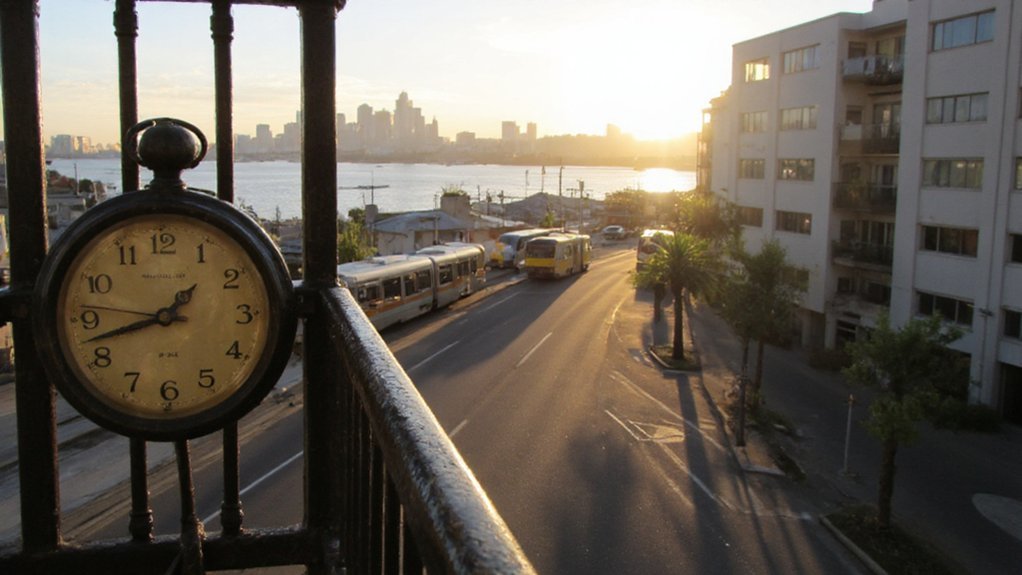
You should know that in Melbourne Daylight Saving Time begins at 2:00 AM on the first Sunday in October, when clocks move forward one hour. It ends at 3:00 AM on the first Sunday in April, when clocks move back one hour to standard time. That one-hour shift advances local time during summer and directly affects business hours, transport schedules and timestamps.
When DST Starts
When DST begins each year in Victoria, clocks jump forward one hour at 2:00 AM local standard time on the first Sunday in October, shifting to 3:00 AM and reducing that night by one hour. You should set devices to observe AEDT (Australian Eastern Daylight Time; UTC+11) immediately after the switch. Transport timetables, business hours and official appointments follow the new time from 3:00 AM onward, so confirm schedules in advance. Automated systems that update time zones will typically adjust for you, but check clocks that don’t sync. If you’re planning travel, communications or time-sensitive tasks, account for the lost hour to avoid missed connections or meetings. Authorities publish exact dates annually; rely on official sources and verify local changes before scheduling important events.
When DST Ends
As daylight saving ends each year in Victoria, clocks fall back one hour at 3:00 AM local daylight time on the first Sunday in April, returning to 2:00 AM and restoring AEST (UTC+10). You should set devices that don’t update automatically back one hour before bed or let them adjust overnight. Public transport schedules and time-sensitive services publish confirmed timetables; check official sources for anomalies. Electronic calendars usually handle the time change, but verify calendar entries spanning the change to avoid duplication or missed events. Businesses and institutions follow state-mandated practice, so confirm opening hours if you plan travel or appointments. Keep timekeeping equipment updated with the latest operating system and timezone data to maintain accuracy. Contact official Victorian government sites for authoritative details online.
Effects on Local Time
At 2:00 AM on the first Sunday in October clocks advance one hour to 3:00 AM, shifting Melbourne from AEST (UTC+10) to AEDT (UTC+11) and extending evening daylight. You’ll notice evenings stay brighter later, which shifts routines: outdoor activities, business hours and broadcast schedules move an hour later relative to solar time. Your devices mostly update automatically, but you should check clocks that don’t. Travelers and remote teams must account for the UTC offset change to avoid missed meetings. The changeover increases evening sunlight at the cost of darker mornings for several months. Use this simple table to visualize common impacts and quick actions.
| Time | Effect | Action |
|---|---|---|
| Evenings | More daylight | Schedule outdoor plans |
| Mornings | Darker early hours | Adjust alarms |
| Coordination | UTC+11 | Confirm meeting times |
Checking Melbourne Time From Anywhere
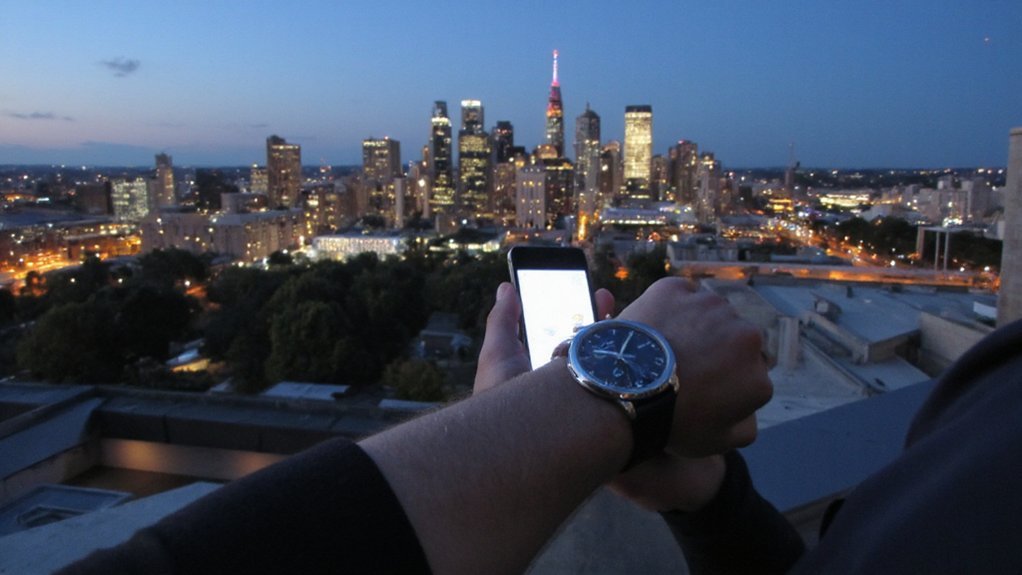
How do you quickly check Melbourne time from anywhere? Use reliable sources: your device’s world clock, a search engine query like “current time in Melbourne,” or a dedicated time website (timeanddate, WorldTimeServer). Mobile assistants (Siri, Google Assistant) and smart speakers answer instantly. Add a homescreen widget or browser bookmark for one-tap access. For repeated checks, enable a persistent clock set to Australia/Melbourne (IANA: Australia/Melbourne) in your OS or calendar app. If you develop software, query a trusted time API or NTP server rather than hardcoding offsets. Always verify against multiple authoritative sources when precision matters. These approaches give you accurate Melbourne time without manual calculations or temporary uncertainty. Check timezone database updates periodically to make sure daylight-saving rules are current and systems stay synchronized reliably.
Converting Your Local Time to Melbourne Time
You’ll first calculate the time difference between your location and Melbourne, accounting for standard offsets. Then you’ll adjust for daylight-saving changes when applicable to guarantee accuracy. If you prefer, use reliable conversion tools or world-clock apps to verify and automate the conversion.
Calculate Time Difference
When converting your local time to Melbourne time, determine your current UTC offset (including daylight saving), note Melbourne’s offset — UTC+10 standard, UTC+11 during AEDT — then add the difference to your local time and adjust the calendar if the result crosses midnight. Calculate the numeric difference: subtract your offset from Melbourne’s to get hours to add; if result is negative, subtract hours instead. Apply whole hours first, then handle minutes if your zone uses them. If adding crosses midnight, advance the date; if subtracting crosses before midnight, move the date back. Double-check AM/PM or 24-hour format to avoid errors. Verify result with a reliable world clock when precision matters. Keep a short log of conversions for recurring meetings to prevent repeated mistakes and confusion.
Adjust for Daylight Saving
If your region observes daylight saving, confirm both your current UTC offset and whether Melbourne is on AEDT (UTC+11) or AEST (UTC+10) before converting times; then compute the hour difference and apply it, accounting for any date rollover. You’ll determine whether to add or subtract hours: if your UTC offset is behind Melbourne’s, add the difference; if ahead, subtract. Include DST status for both locations—some regions switch on different dates—so check the effective offsets for the specific date. When applying the offset, adjust the calendar day if the resulting hour rolls past midnight. State the converted time and the corresponding date clearly. Doing this prevents missed meetings and guarantees accurate scheduling across seasons. Double-check local change dates and confirm offsets for each meeting time.
Use Conversion Tools
How do you quickly convert your local time to Melbourne time? Use reliable conversion tools: world clock apps, dedicated websites, or smartphone widgets. Enter your city or select your time zone; the tool applies Melbourne’s time zone (AEST/AEDT) and daylight saving automatically. When scheduling, set both locations so the tool shows simultaneous times and doesn’t produce manual errors. For command-line or developer work, query time APIs or use the tz database identifier “Australia/Melbourne” to compute offsets programmatically. Bookmark a trusted site or add Melbourne to your device’s clocks for reference. Double-check during daylight saving shifts and confirm scheduled calendar events adjust to Melbourne time. Keep multiple sources handy when accuracy is critical or during meetings.
Time Differences With Major Cities
Where does Melbourne sit in relation to other major cities? You’ll find it 10 hours ahead of London, 15 hours ahead of New York, 1 hour ahead of Tokyo, 6 hours ahead of Dubai, and the same time as Sydney during standard time. Use these offsets to plan calls, deadlines, or travel. Remember daylight saving shifts: Melbourne moves forward one hour in summer, altering some offsets. Check each city’s current observance when scheduling. The table below summarizes common differences; treat it as a quick reference, not an absolute source for dates with DST changes.
| City | Difference |
|---|---|
| London | +10 |
| New York | +15 |
| Tokyo | +1 |
| Dubai | +6 |
| Sydney | 0 |
Always confirm offsets on your scheduling day to avoid errors, missed meetings, and unexpected timezone shifts too.
Best Tools and Apps to Track Melbourne Time
Need to track Melbourne time reliably? Use a mix of lightweight tools: your phone’s built‑in World Clock (iOS/Android) for instant reference, desktop clocks or menu‑bar widgets for constant visibility, and browser extensions that show AEST/AEDT in the toolbar. Install a trusted time zone converter app (like Time.is or World Time Buddy) when you need accurate offsets and DST handling. Sync devices via network time protocol (NTP) to avoid drift. If you work across systems, use a calendar app that displays multiple time zones without converting events. For developers or automated systems, reference the IANA time zone database (Australia/Melbourne) to guarantee programmatic accuracy. Choose one primary source and verify DST changes before relying on the time. Regularly update apps and system clocks for continued reliability.
Scheduling Tips for Meetings With Melbourne
When you schedule meetings with Melbourne, account for Australia Eastern Standard Time (AEST) vs Australia Eastern Daylight Time (AEDT) and plan within local business hours (typically 9am–5pm) to maximize overlap; check DST dates, confirm participants’ local offsets, and publish times using the Australia/Melbourne IANA zone or explicit UTC offsets to avoid conversion errors. Use rolling time-window checks to find acceptable meeting slots across zones, favor early Melbourne mornings for Europeans and late afternoons for North Americans. Specify meeting end times, agenda, and required attendees to reduce duration. Send calendar invites that auto-adjust and include a clear UTC time as backup. Reconfirm times 24 hours prior if participants are in regions observing DST shifts. Use RSVP deadlines and propose two alternatives to simplify coordination efficiently.
Travel and Flight Timing Considerations
Plan flights to arrive in Melbourne at least one afternoon before important meetings so you and your team can adjust to AEST/AEDT and avoid same-day fatigue. When booking, pick flights that land mid-afternoon to permit daylight exposure and a predictable schedule. Choose nonstop when possible to reduce jet lag; if you must connect, keep layovers under three hours. Check daylight-saving status for your travel dates.
| Tip | Rationale |
|---|---|
| Arrive mid-afternoon | Eases circadian adjustment |
| Nonstop | Reduces travel fatigue |
| Short layover | Limits unpredictability |
| Afternoon meetings | Matches local business hours |
Confirm transfers and buffer time for traffic. Hydrate, limit caffeine, and take a short nap under 90 minutes to reset. Share arrival windows with your team. You’ll arrive sharper, reduce cancellations, and preserve productivity across meetings and site visits throughout the trip.
Conclusion
You can keep Melbourne time straight by using device time settings or a reliable world-clock service that auto-adjusts for daylight saving. Remember Melbourne uses AEST (UTC+10) in winter and AEDT (UTC+11) during daylight saving from the first Sunday in October to the first Sunday in April, with clocks shifting at 2:00 local time. When scheduling, you’ll confirm the current Australia/Melbourne time via a trusted source to avoid errors. Do this every time you plan ahead.