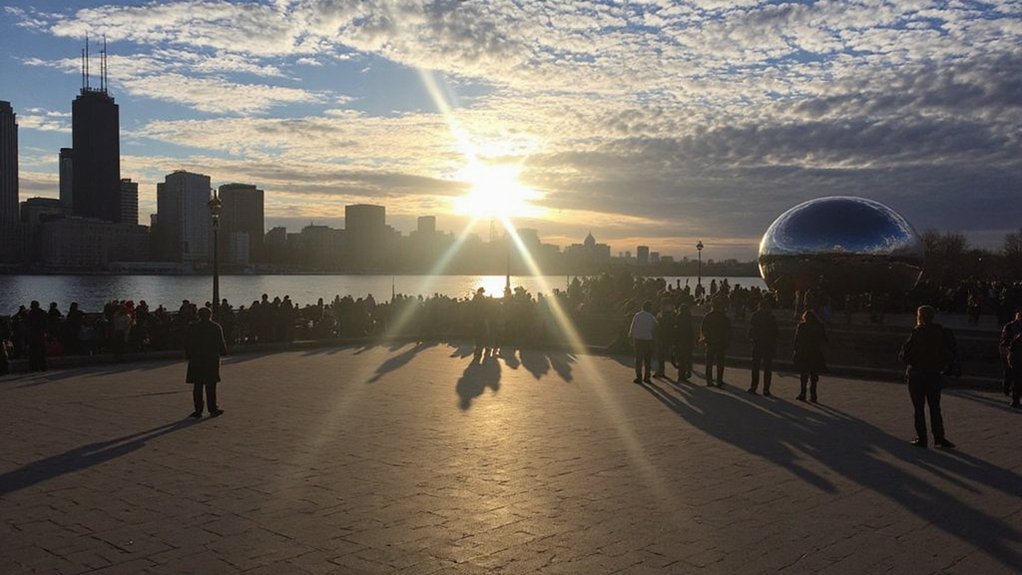

To know what time it is in Chicago right now, check a device set to America/Chicago (Central Time), which is UTC−6 in winter or UTC−5 during DST. You’ll need the exact offset for scheduling or travel, so keep going and I’ll show how to verify and convert it reliably.
How Chicago’s Time Zone Works

If you’re checking the clock in Chicago, the city uses Central Time: Central Standard Time (CST, UTC−6) in winter and Central Daylight Time (CDT, UTC−5) during daylight saving. You rely on a single time zone across the Chicago metropolitan area, aligned with six U.S. central states for legal, commercial, and transportation coordination. Public services, broadcasting schedules, and business hours reference Central Time, so you coordinate meetings and travel using that standard. Clock devices, servers, and smartphones typically present local time automatically, drawing from system time zones labeled America/Chicago. When precision matters, you use UTC offsets or America/Chicago identifiers to timestamp records and schedule events. That consistent framework reduces confusion and guarantees your timing matches regional operations. You can trust it for coordinated daily activity.
Daylight Saving Time and When It Changes
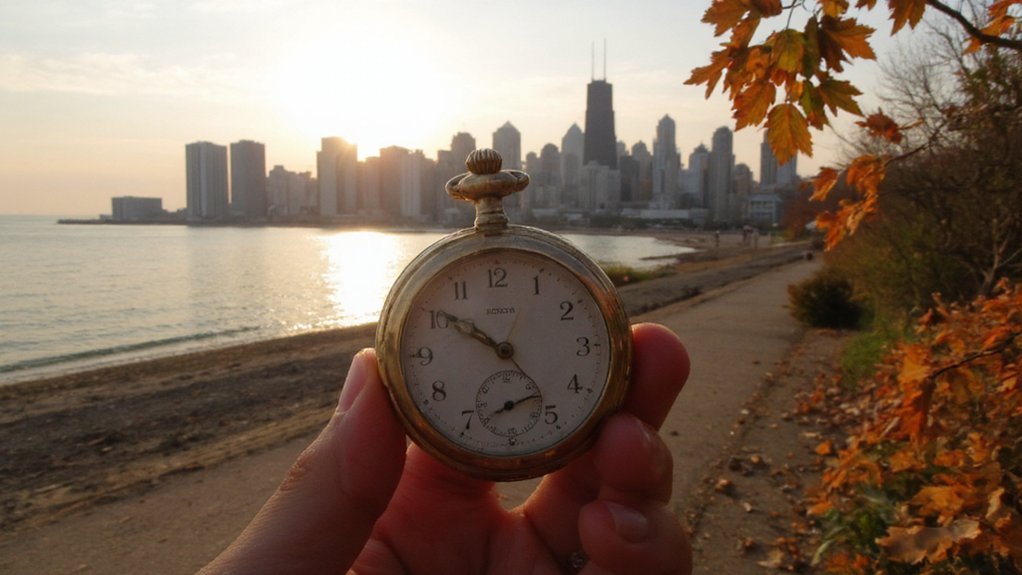
When daylight saving starts and ends, Chicago shifts clocks on fixed Sundays so you can plan precisely: DST begins at 2:00 a.m. local time on the second Sunday in March, when clocks jump forward to 3:00 a.m. (CST → CDT, UTC−6 to UTC−5), and it ends at 2:00 a.m. on the first Sunday in November, when clocks roll back to 1:00 a.m. (CDT → CST, UTC−5 to UTC−6). Note the forward change shortens that night by one hour, eliminating 2:00–2:59 a.m., while the rollback repeats 1:00–1:59 a.m., duplicating the hour. That affects schedules, timestamps, and cross‑border coordination; you must use explicit local labels (CST/CDT) and UTC offsets when planning. Keep calendar entries clear and account for the one‑hour shift to avoid serious timing errors.
Quick Ways to Find the Current Time in Chicago
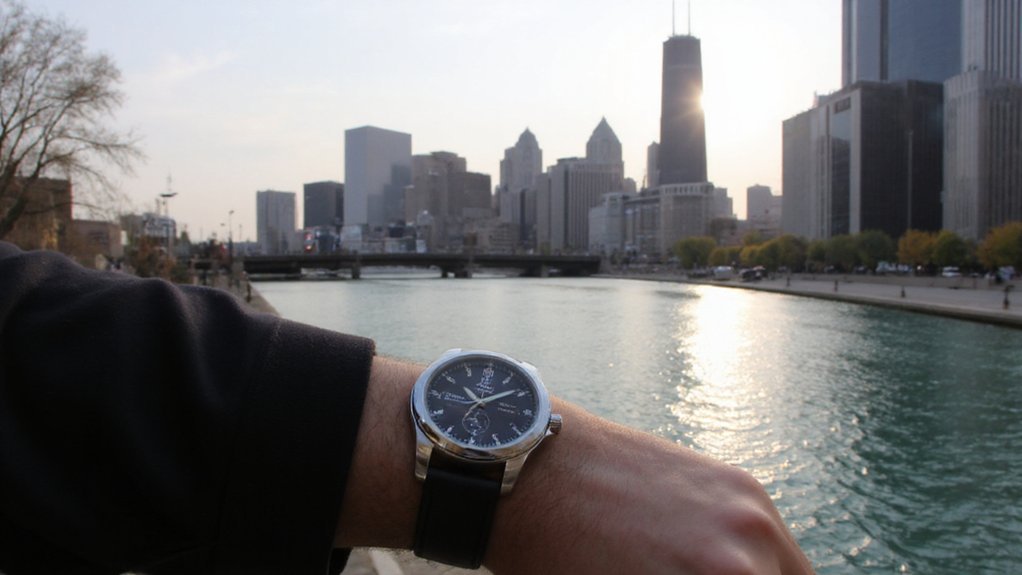
Knowing the DST rules helps, but for immediate needs you’ll want fast, reliable ways to check Chicago time: glance at your phone or computer clock (set to America/Chicago or showing CST/CDT), ask a voice assistant (Alexa, Siri, Google) to “what time is it in Chicago,” open a reputable world‑clock website or app (time.gov, timeanddate.com, time.is), or query an NTP server/UTC offset (UTC−6 standard, UTC−5 daylight). Use devices and services that update automatically to avoid manual errors. Prefer official sources for scheduling and legal purposes. If you need programmatic access, call a time API or NTP and use zone-aware libraries. Cross-check when precision matters: compare two independent sources. Document the source and timestamp when recording time-sensitive information. Prefer automated sync over manual adjustments whenever possible.
Converting Your Local Time to Chicago Time
Although your device usually adjusts automatically, you’ll want a clear method for converting local time to Chicago time. First, determine your current UTC offset and whether daylight saving time applies. Chicago is Central Time: UTC−6 standard, UTC−5 daylight. Subtract or add the difference between your local offset and Chicago’s offset to get Chicago time. For example, if you’re at UTC+1 during standard time, subtract seven hours to reach Chicago standard time. Check reliable sources for DST start and end dates; rules can change. Perform calculation mentally or use a basic time converter; verify during DST clock changes to avoid mistakes and record the result. Use the table below to compare offsets quickly.
| Your UTC Offset | Chicago Offset |
|---|---|
| Standard | UTC−6 |
| Daylight | UTC−5 |
| Example (+1) | −7 hours |
Scheduling Calls and Meetings With Chicago Participants
Because Chicago uses Central Time and shifts for daylight saving, confirm participants’ current UTC offset before proposing times; pick slots within 9 AM–5 PM CT where possible, or offer a narrow range of alternatives. You’ll propose specific times in CT and include equivalent local times for each key participant to prevent confusion. State meeting duration, agenda, and whether recording or notes will be shared. Use calendar invites that auto-adjust time zones and specify the timezone explicitly (e.g., “10:00 AM CT / UTC−05:00”). Offer one early and one late option only if unavoidable, and avoid broad windows like “sometime in the afternoon.” Confirm attendee availability 24–48 hours in advance and send a brief reminder with the confirmed CT time. Keep confirmations terse and clearly definitive.
Travel, Flights, and Time-Related Tips for Chicago
When you move from scheduling meetings to travel planning, factor Chicago’s Central Time and peak traffic into flight choices so your arrival and energy align with meeting times. Book flights that land at least two hours before earliest commitment; choose morning arrivals to avoid evening rush and jet lag. If you’re crossing time zones, shift sleep by an hour per day before departure and use short naps on arrival. Prefer Midway or O’Hare based on carrier and connections; check typical taxi or rideshare times for suburbs versus downtown. Reserve flexible fares to adjust when delays occur. Confirm meeting times in Central Time, set phone and calendar to local time, and notify colleagues of your arrival window to manage expectations and pack essentials for productivity.
Conclusion
To know Chicago time, you should check a device set to America/Chicago or consult reliable world‑clock or voice assistant; remember Chicago uses Central Time (UTC−6 standard, UTC−5 daylight) and observes DST from the second Sunday in March to the first Sunday in November. For meetings, send zone‑aware invites labeled “CT” with the UTC offset and confirm participants’ offsets. When traveling or scheduling, don’t assume the offset; verify before finalizing plans to avoid costly mistakes altogether.