

If you need to know the current time in Tel Aviv, you’re looking at Israel’s Asia/Jerusalem zone, UTC+2 standard and UTC+3 during DST; check UTC then apply the offset or query an authoritative time API. Devices set to automatic time zones handle DST automatically. Below are quick, reliable methods to get an exact timestamp.
Current Local Time in Tel Aviv

To get the current local time in Tel Aviv, convert Coordinated Universal Time (UTC) to Israel time: Tel Aviv uses Israel Standard Time (UTC+2) in winter and Israel Daylight Time (UTC+3) in summer. To obtain it programmatically, fetch a trusted UTC timestamp (NTP or system clock) and determine DST state via a tz database lookup (e.g., IANA tz ‘Asia/Jerusalem’); don’t hardcode rules. Apply the correct offset and construct an ISO 8601 local datetime string. Validate the result against a reliable time API to catch clock drift or incorrect DST status. If you’re displaying the time, use localized formatting and include timezone identifier. Log source and computation steps for auditing and repeatability. Automate periodic synchronization and monitor offsets to maintain sub-second accuracy in production continuously and proactively.
Time Zone Details and Offsets
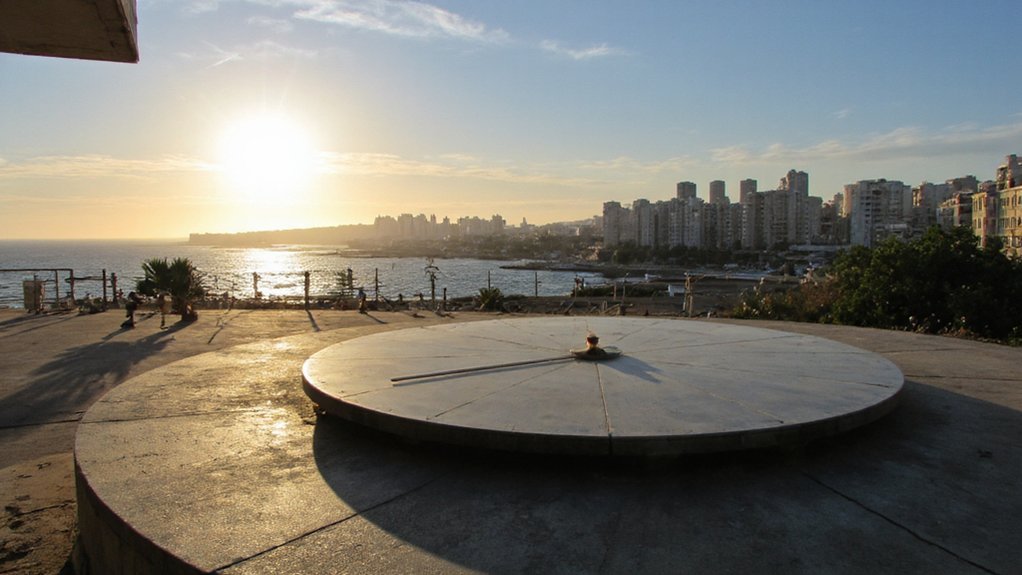
You should know Tel Aviv uses Israel Standard Time (IST) and switches to Israel Daylight Time (IDT) during the DST period. DST start and end dates follow Israeli government rules—typically a spring forward and autumn back shift executed at 02:00 local time. UTC offsets are UTC+2 for IST and UTC+3 for IDT, which you must apply when converting timestamps or scheduling across zones.
Standard Time Zone
Although Israel observes daylight saving, Israel Standard Time (IST) is UTC+2 and applies during non‑daylight months, so local civil time equals Coordinated Universal Time plus two hours; note that the “IST” label can conflict with other zones (e.g., India). You should treat IST as a fixed-offset zone with a +02:00 offset from UTC when standard time is in effect. Timestamp conversions, scheduling, and logging should use the offset explicitly (UTC+02:00) or IANA identifier “Asia/Jerusalem” to avoid ambiguity. You’ll store instants in UTC and apply the +02:00 offset for presentation during standard months. When displaying times, include the offset or zone identifier to prevent misinterpretation by users or automated processes reliant on precise temporal semantics. Also, validate input timestamps against the zone database immediately please.
Daylight Saving Rules
How does Israel handle daylight saving? You follow a predictable annual rule: DST begins on the Friday before the last Sunday in March and ends on the last Sunday in October. Shifts occur at local civil time with clocks advanced at the start and reverted at the end. You should account for these changes in scheduling, timestamps, and recurring events. Automated systems must query authoritative calendars annually to remain compliant. Plan updates during maintenance windows annually enforced.
- Rule basis: statutory dates set by law and applied uniformly nationwide.
- Shift moments: occur at local civil time with immediate clock adjustment.
- Applications: adjust calendars, cron jobs, logs, and time-aware systems.
- Exceptions: rare legislative changes occur; verify current year rules from official sources.
UTC Offset Details
Israel uses Israel Standard Time (IST, UTC+02:00) during winter and Israel Daylight Time (IDT, UTC+03:00) when DST is in effect. You should reference UTC offsets for scheduling, logging, and API integrations. Offsets are constant per period: +02:00 in standard time, +03:00 during DST. You’ll apply offsets to convert local timestamps to UTC and vice versa. Note leap seconds don’t affect civil offsets. For automation, query reliable sources for DST shift rules and apply timezone databases (IANA TZDB) to handle historical and future changes. When scheduling across systems, store timestamps in UTC, include explicit offset metadata, and validate conversions against TZDB entries to prevent ambiguity. Also log timezone identifier, source, and shift timestamps.
| Period | UTC Offset |
|---|---|
| Standard | +02:00 |
| Daylight | +03:00 |
| Historical | variable |
| API Use | convert/normalize |
Daylight Saving Time in Israel
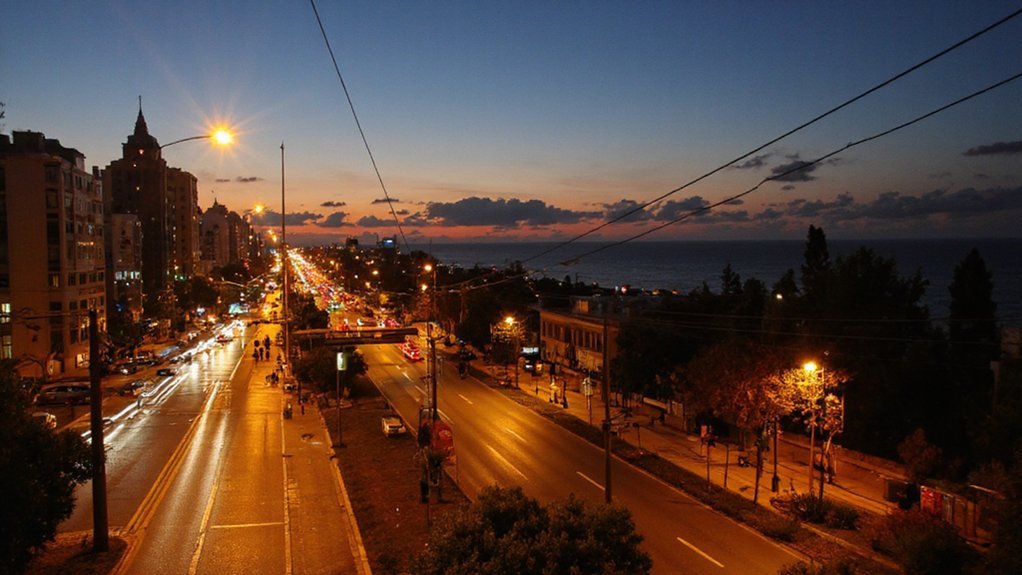
When DST is in effect, Israel advances clocks by one hour to extend evening daylight during the summer. You must account for DST when converting local time, since Israel switches annually based on a governmental decision aligned to Jewish calendar and security considerations. Changeover dates vary; they typically occur in spring and autumn. The rule sets a start near late March and an end near late October, but exact dates are published each year. You should verify official announcements annually. Automated systems often update based on government.
- Start: spring changeover, clocks move forward one hour.
- End: autumn changeover, clocks move back one hour.
- Effect: UTC+3 during DST, UTC+2 outside DST.
- Application: civil time used for transport, commerce, and legal timekeeping.
How to Check Tel Aviv Time on Your Phone
You can add a world clock entry for “Tel Aviv” in your phone’s Clock app to view local time at a glance. You can also set your device time zone to “Asia/Jerusalem” so the system clock matches Israel time. Make sure automatic time and time zone are enabled so DST changes apply without manual updates.
Add Tel Aviv Clock
Add a Tel Aviv clock to your phone to quickly reference Israel Standard Time (IST, UTC+2) or Israel Daylight Time (IDT, UTC+3) during daylight saving. You’ll add Tel Aviv as an additional clock, place a widget or complication, and verify synchronization with network time servers. Use built-in world clock for accuracy; install vendor widgets for persistent display. Test the widget on home and lock screens, and confirm app permissions for background updates.
- Open Clock app → World Clock → + → search “Tel Aviv”.
- Add Home Screen widget: long-press → + → select clock/world widget → configure Tel Aviv.
- Use Watch complication: add Tel Aviv to watch app and select complication layout.
- Install third‑party clock apps with NTP sync for advanced features.
You’ll monitor accuracy periodically and update widgets when needed regularly.
Set Device Time Zone
After adding a Tel Aviv clock, make sure your device’s time zone is set to Israel (Asia/Jerusalem) so system time, calendar entries, and alarms align with IST/IDT. On iOS open Settings > General > Date & Time, disable Set Automatically only if you’re using manual control, then select Time Zone and enter Jerusalem or Asia/Jerusalem. On Android open Settings > System > Date & Time, toggle Automatic date & time off to manually pick Time Zone or use Network-provided zone. Verify daylight saving switches: Israel uses IDT (UTC+3) in summer, IST (UTC+2) in winter. For apps that override system zone, check individual app settings (calendar, conferencing, travel). After changes, reboot or force-stop affected apps to make sure they inherit the updated zone. Confirm NTP synchronization enabled.
Time Difference Between Tel Aviv and Major Cities
How does Tel Aviv’s clock compare with major world capitals? You’ll use UTC+2 standard (UTC+3 during DST) as reference. Calculate offsets: subtract UTC from local time, adjust for DST. When coordinating, convert times to UTC, then apply Tel Aviv offset. Common offsets:
- New York: Tel Aviv is 7 hours ahead (UTC-5 standard, UTC-4 DST).
- London: Tel Aviv is 2 hours ahead (UTC+0 standard, UTC+1 DST).
- Tokyo: Tel Aviv is 7 hours behind (UTC+9 year-round).
- Sydney: Tel Aviv is 8 or 9 hours behind (UTC+10 standard, UTC+11 DST).
Use reliable timezone databases (IANA TZ) and handle historical changes and edge cases programmatically. Implement tests across DST changeover cutover moments. for accuracy. Always.
Business Hours and Scheduling in Tel Aviv
Typically, you’ll find Tel Aviv’s business day runs Sunday through Thursday, with most offices operating roughly 09:00–18:00 (some firms use 08:30–17:30) and many institutions observing a shorter Friday morning (often until about 13:00); Saturdays are generally closed. You should plan meetings within core hours 09:30–16:30 to maximize availability; expect reduced staffing at early mornings and late afternoons. Public sector and banks adhere to stricter schedules and close earlier on Fridays. Retail and hospitality use extended hours, with supermarkets and malls open into evenings and variable weekend timetables. When scheduling across time zones, account for Israel Standard Time (UTC+2) and Israel Daylight Time (UTC+3) during DST; confirm local observance dates. Use calendar invites with explicit time zone stamps to avoid ambiguity and mobile confirmations recommended.
Sunrise and Sunset Times in Tel Aviv
At any given date you’ll find Tel Aviv’s sunrise and sunset times shift predictably with the seasons and daylight-saving adjustments, so plan around local civil time (Israel Standard Time UTC+2, Israel Daylight Time UTC+3). You can compute solar times using the city’s latitude (32.0853° N) and longitude (34.7818° E), the equation of time, and declination for the date. Use civil definitions: upper limb of the Sun at −0°50′ with refraction. For precision minutes, include altitude and pressure needed. Extremes occur near June solstice (earliest sunrise, latest sunset) and December solstice (latest sunrise, earliest sunset). Use this procedure:
- Input date and coordinates.
- Compute solar declination and equation of time.
- Calculate hour angle for −0°50′.
- Convert solar times to local civil time.
Tips for Travelers Managing Time Differences
When crossing time zones, plan sleep timing and light exposure to shift your circadian phase efficiently: aim to move sleep by one to two hours per day, use bright light in the destination morning to advance or in the evening to delay your clock, and avoid caffeine and alcohol near targeted sleep windows so you’ll consolidate sleep. Before travel, phase-shift by adjusting bed and wake times and simulate destination light. During transit, hydrate, minimize stimulants, and nap strategically under ninety minutes to avoid deep-sleep inertia. On arrival, synchronize meal timing and exercise with local day to reinforce entrainment. Use melatonin at point five to three milligrams timed one to three hours before desired sleep to shift phase; consult clinician for dosing and safety considerations.
Conclusion
You can determine Tel Aviv time by converting UTC to Asia/Jerusalem (UTC+2 standard, +3 DST) or querying an NTP‑synced clock or time API. Confirm DST automatically via your device’s time‑zone settings. For scheduling, compute offsets versus your locale and apply ISO‑8601 timestamps. For travel, sync devices and verify sunrise/sunset for local planning. Relying on authoritative time sources prevents errors in meetings, transport, and legal timestamps and guarantees compliance with regional timestamping and logging standards now